L-MOUNT Forum

Register a free account now!

If you are registered, you get access to the members only section, can participate in the buy & sell second hand forum and last but not least you can reserve your preferred username before someone else takes it.

Capture One 16.8 to include Enhanced Denoise

GeorgeHudetz

Well-Known Member
Joined
Mar 21, 2023
Messages
902
https://support.captureone.com/hc/en-us/articles/35840235353117-Enhanced-Denoise

It's nice to see them bringing in an advanced denoise algorithm to (hopefully) be competitive with some of the other tools out there. Of course, we will have to actually apply it, but it's good to see C1 moving in that direction.

It's interesting that they have a note saying that it's best used with ISO 3200 and higher. I'm hopeful that it will also be effective on lower ISO images that have been pushed in the shadows/blacks. I suspect it will; they indicate that the ISO 3200 is just a suggestion and not a hard block.

It will be interesting to see how well it works for astro images, in addition to wildlife images (feather detail, etc). Given that astro is a bit of a niche area, it would not surprise me if the first release isn't highly effective there. They do say it automatically removes hot pixels, which is great, but hopefully it doesn't become a "star eater."

Anyway, if it works well, that’s one less reason for me to be tempted by other tools, which is great.
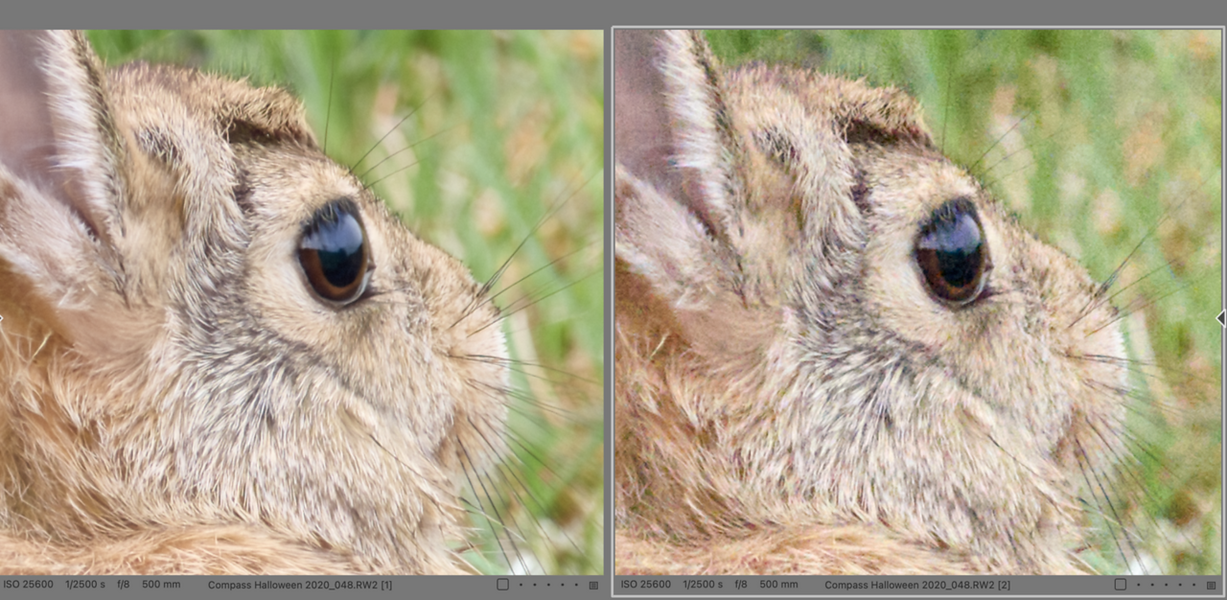
 
Decided to download the beta. Here’s a before & after. S1RII, ISO 25600. First image with denoise set to 50%, second image without denoise. Otherwise all defaults. Screen grab from my MacBook Pro @ 200%. The denoised image needs a bit of additional sharpening, which it accepted no problem.

 
It's nice to see them bringing in an advanced denoise algorithm
This is good to see. It was an issue when I evaluated C1. I do end up using Denoise in Lightroom quite a lot, especially when I go back and look at old high ISO m43 photos. Lightroom always applies a 'Raw Details' function along with Denoise, which goes along with you adding a little sharpening with C1.

Before the new Lightroom Denoise was perfected I tended to use the DxO plugin PureRAW. DxO may be slightly better, but it creates a new DNG file so I'm less apt to use it anymore. Of course if the image is a little soft, along with some noise, DxO is the best. I am spoiled with the S1MK2 and its high ISO performance, but I'm looking to get a L10 so modern denoise has arrived just in time.

I expect to do a little astro photography late this summer so all this is of interest. I can't decide whether to use the S1RM2 or the S1M2 for this. At this instant I'm leaning toward the S1M2.
 
Yeah, I’m super happy they finally got a good denoiser. From reading some of the threads so far, it looks pretty good. I’m sure it’s not quite as good as the best (yet) but it seems good enough that I don’t care. And it looks like their normal sharpening works well on top of denoise.

As for astro, both bodies work fine. But the S1II will be more “bullet proof” in terms of pushing the image in post. The S1RII is more picky about getting the ISO correct, so you have to be more careful when exposing. And the higher resolution isn’t worth all that much. So I’d suggest the 24MP body.

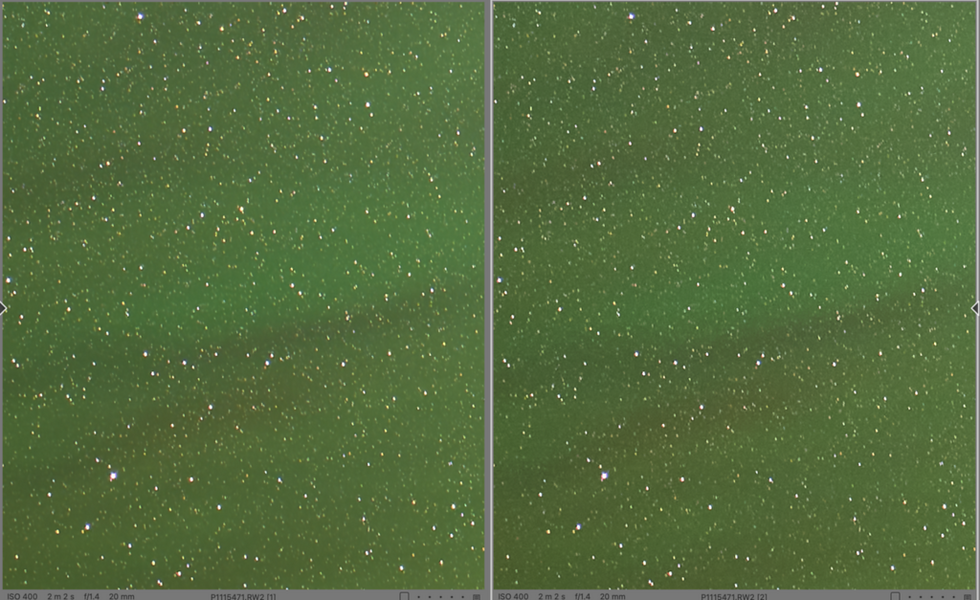
BTW, here is a C1 denoised astro image. On the left is the denoised image; 200% screen cap. ISO 400 & pushed one stop on the exposure slider and some further brightening & saturation tweaks. The difference isn’t huge, but then I don’t see any evidence of “star eating” but yet I can see regions that look cleaner. So that’s a win for me.


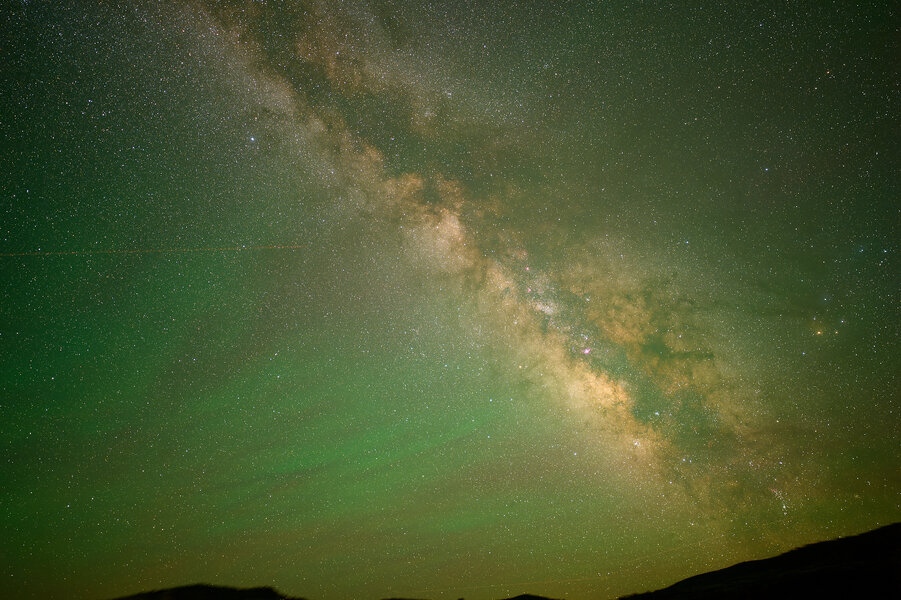
Here is the full image (denoised, but downsampled).

i-qTV8JmD-X3.jpg
 
Also, I just compared an ISO 25600 image from the S1RII to the S5, and while C1 denoise helps allot with the splotchy character of high ISO S1RII images (due to the baked in NR, I presume), making it look a little more like old-fashioned noise, it’s CRAZY what C1 denoise does with the 24 MP image. Just nuts. (Although I’m sure the other packages have similar results).

Also, C1 denoise (beta) does leave behind some chroma noise with the S1RII image. Hopefully they can improve that, although again it might be down to the baked-in NR in the S1RII body. Not sure.

So yeah, makes me want to get an S1II for wildlife - even if I have to use a TC more often.
 
Back
Top