L-MOUNT Forum

Register a free account now!

If you are registered, you get access to the members only section, can participate in the buy & sell second hand forum and last but not least you can reserve your preferred username before someone else takes it.

"Straight Out of Camera – Show Off Your Real-Time LUT Shots!"

R-J Sunday

LMF-Patron
Joined
Mar 25, 2023
Messages
70
I've recently been experimenting more with the Real-Time LUT feature on my camera, trying to make the most of it and relying more on straight-out-of-camera JPEGs. I'm curious—are there others here who use this feature as well? If so, I'd love to see your results!

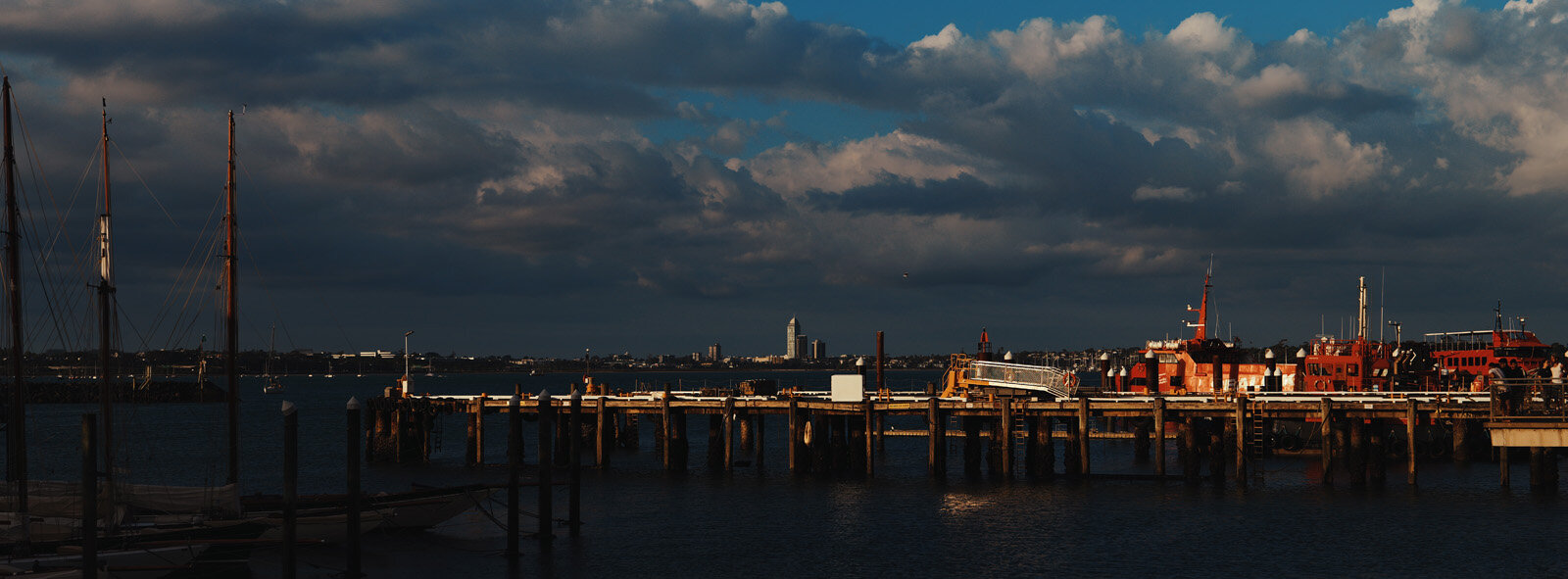
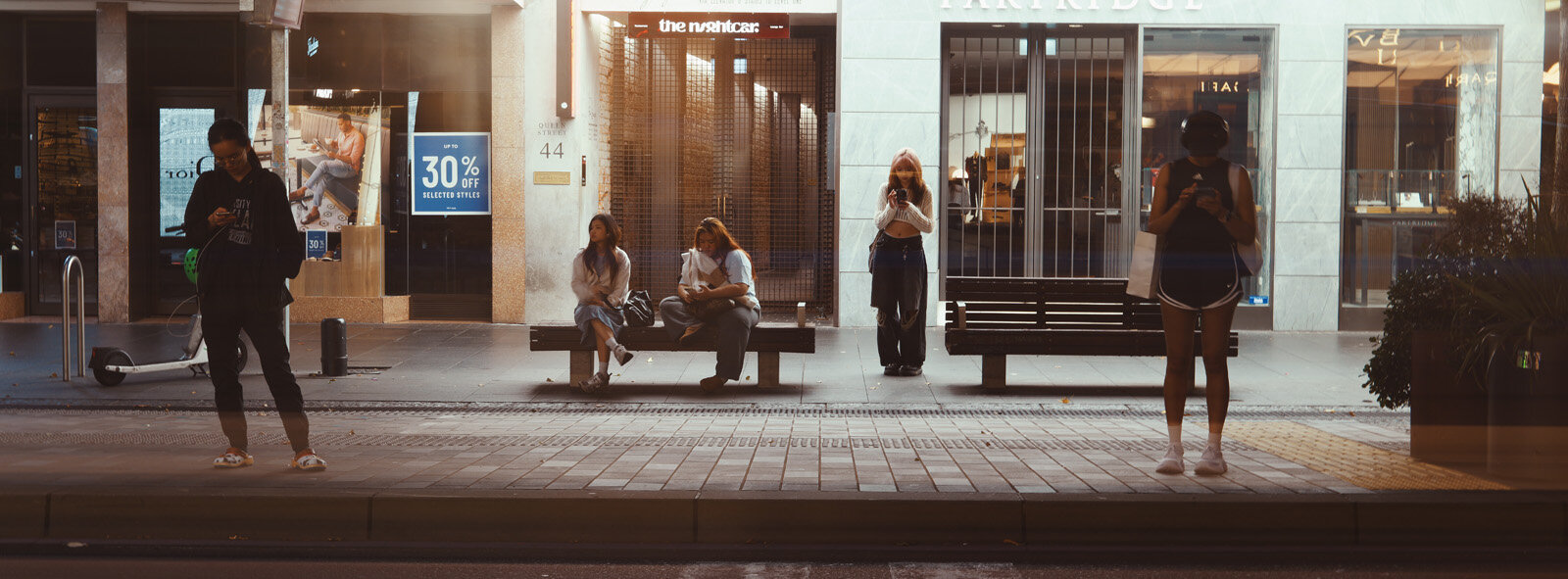
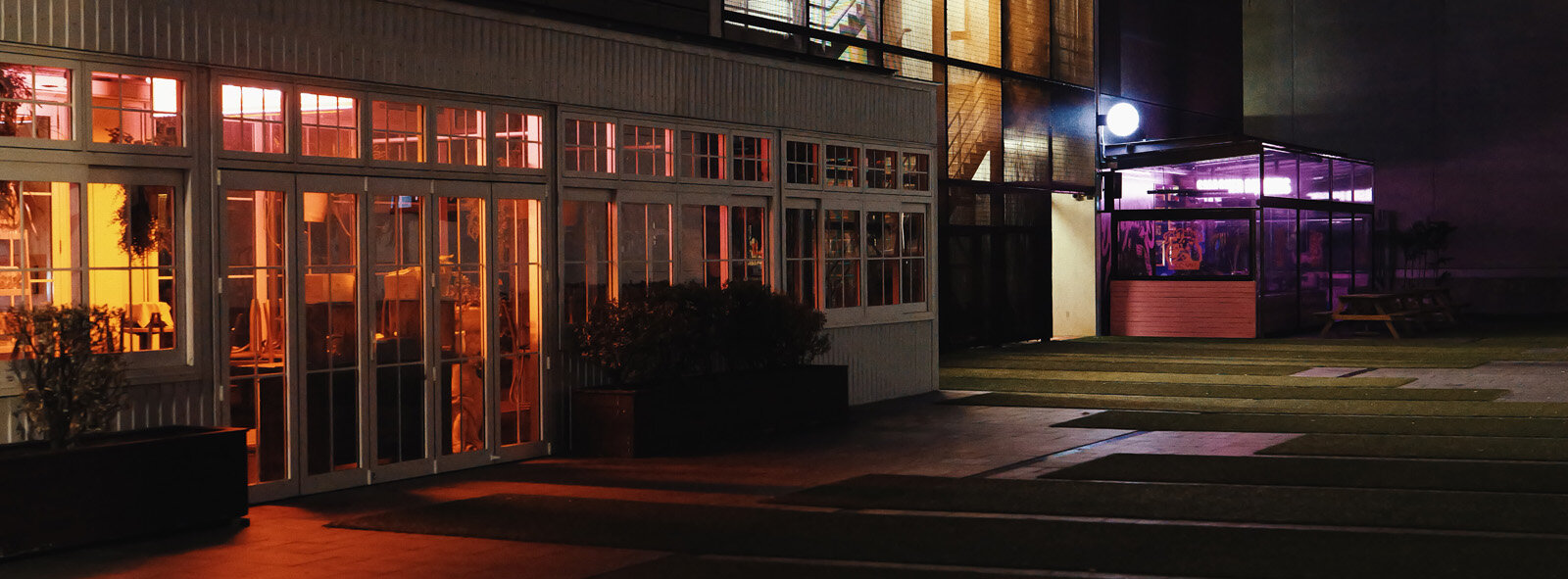
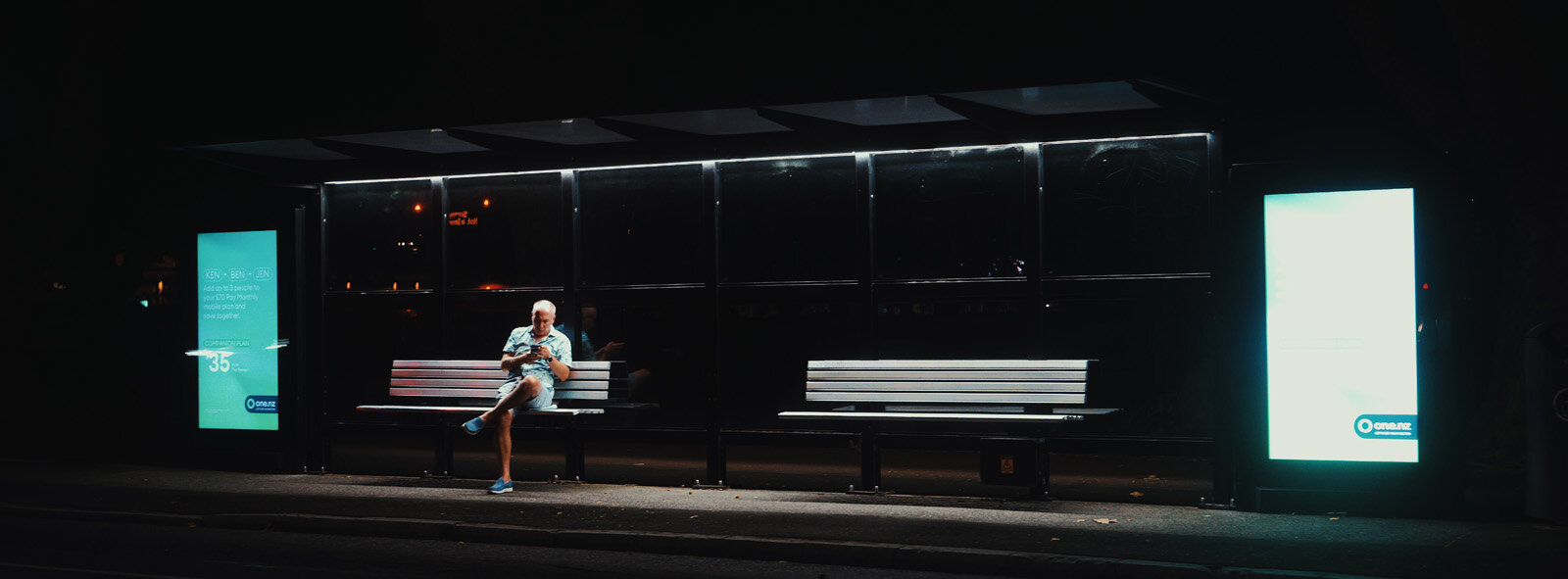
Tonight, I came across an inspiring example from Richard Wong, who uploaded a video about cinematic photography. He showcased a stunning series of photos, all captured using Real-Time LUTs, proving just how powerful this feature can be.

So, let’s see your shots! Share your best Real-Time LUT images straight out of the camera.
 
I played around with LUTs on photos when I first got my S9 but haven't persisted with it as I quite like processing raw files.

But it's a great idea and if time permits, I will give this another try.
 
Last week, we had a short family holiday—the perfect opportunity to try out the real-time LUT function on my camera (still a weird name, by the way). I combined two LUTs to create a style I liked and used it throughout the week. In this picture, my eldest son Bram grabbed my iPhone to play some Roblox, but first, he had to check out my approval

P1253013.jpg
 
So, let’s see your shots! Share your best Real-Time LUT images straight out of the camera.

I have not got into the Real-Time-Lut capability yet, but I am anxious to see what others have done, to get inspiration. I like the concept. A problem I had, there are SO many Luts available now, I don't know how to choose one over the other. Are there some you recommend? I would especially like some cinematic looks.
 
Also looking forward to what people post here! I admit having a hard time seeing myself using LUTs because I have a hard time picturing a single look I’d want to apply to a batch of photos in a shoot; I always end up tailoring the PP to the subject and setting.

I also don’t play around much with filters; On1 has a whole bunch of them, and I play with them occasionally, but generally I just prefer the best realistic version of what I remember seeing. So looking forward to seeing people get creative, for inspiration. :)
 
I am usually a RAW shooter but i also love shoot in JPG sometimes and try to get it right in camera without doing any editing. It's a different kind of fun/challenge
Here are some photos I shot one afternoon/evening with the S1RII, all are SOOC JPG using Real Time LUT. LUT is Autumn that I grabbed from Lumix Lab app.
All photos were shot handheld including the photos shot at 2 seconds shutter speed. I was amazed how easy it was to get sharp photo at 2-second shutter speed without having to lean on anything.

P1025171.jpg


P1025190.jpg


P1025223.jpg
 
I like to use LUTs a lot, although sometimes I find it difficult to choose.
So far I've only used some from the Lumix Lab app.
I would like to see the name of the LUTs used saved in the metadata, as I often try different ones and then have no idea which image was taken with which LUT.
bird2.jpg
building2.jpg
 
These are just a few snapshots with the S9 across the room in dim light with the LUMIX 18-40mm lens which is slow, so ISO was high.

The first shot is SOOC jpeg.

The second is the same jpeg with LUT applied in LUMIX Lab and cropped square. I can't remember the LUT name, will have to look it up but had something to do with 'blue sapphire' and I liked what it did to the photo!

Both images linked on Flickr which I am having some trouble with, so I hope it works.

Panasonic DC-S9, LUMIX S 18-40/F4.5-6.3, ƒ/6.3, 40mm, 1/25s, ISO6400

54417272093_75e813bb4c_o.jpg
Saturday afternoon YouTubing on Flickr

54416155057_9b945826e3_o.jpg
Saturday afternoon YouTubing on Flickr
 
I just looked up the LUT that I used. It was named "Rustic Sapphire" and was created by Dustin Armstrong.
 
Back
Top